

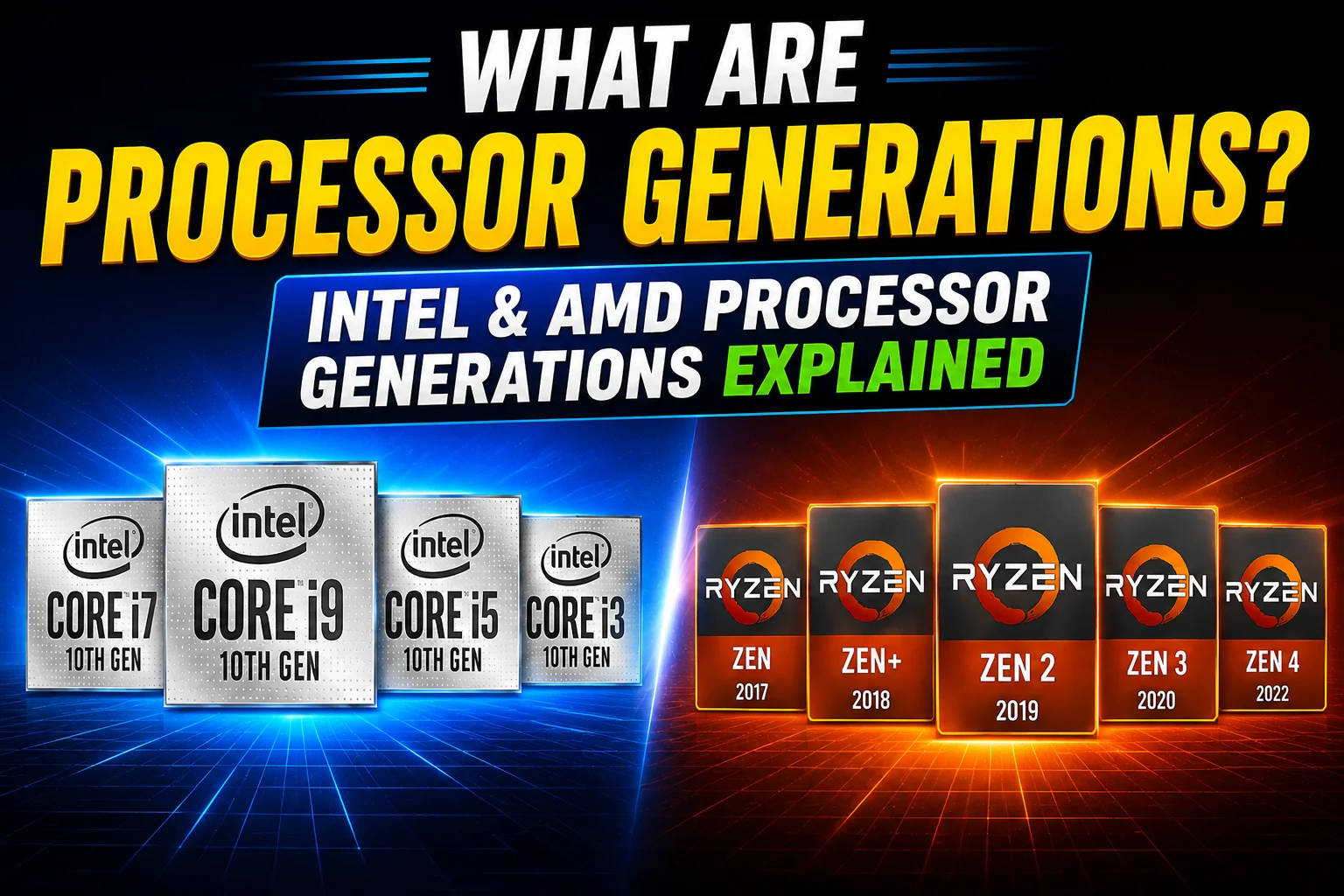
“Should I get an 11th Gen or a 13th Gen laptop?” is one of the most common questions we hear from customers, and it’s a fair one — processor naming can be genuinely confusing. Here’s a plain-language breakdown.
What a “generation” actually is
A CPU generation is simply a batch of processors released around the same time, usually sharing the same underlying architecture and manufacturing process. Intel numbers its generations (10th Gen, 13th Gen); AMD instead uses series names, like Ryzen 5000 or Ryzen 7000.
Why the generation number matters
A newer generation usually brings a better architecture, a smaller manufacturing process, improved core and thread counts, more cache, faster memory support, newer PCIe versions, and better performance-per-watt — meaning more speed without necessarily burning more power.
How Intel’s naming evolved
Intel’s desktop chips ran from 1st Gen all the way to 14th Gen (Raptor Lake Refresh), passing through well-known codenames like Comet Lake, Rocket Lake, and Alder Lake. 12th Gen was a turning point — it introduced a hybrid design mixing Performance cores and Efficiency cores in the same chip. Since 2023, Intel has moved away from generation numbers altogether for its newest chips, rebranding them “Core Ultra” and organising them by Series (1, 2, 3) instead, with a built-in NPU for AI workloads.
How AMD’s naming works
AMD ties its Ryzen series numbers directly to a Zen architecture version: Ryzen 1000 = Zen, Ryzen 5000 = Zen 3, Ryzen 7000 = Zen 4, and Ryzen 9000 = Zen 5. A quick note: Ryzen 4000 and Ryzen 6000 broke from the usual desktop lineup, so those numbers alone can be a little misleading if you’re comparing across the range.
The most important thing to remember
A bigger generation number doesn’t automatically mean a faster chip. A high-end processor from an older generation can still outperform a brand-new entry-level chip, especially in heavier, multi-threaded work like video editing or 3D rendering.
So which one should you buy?
- Everyday browsing and office work: an entry-level chip from a recent generation is plenty
- General productivity: a mid-tier chip gives you comfortable headroom
- Gaming: look for a higher-performance chip paired with a good GPU
- Content creation: go for the highest-tier chip your budget allows
Still unsure which laptop or desktop fits your workload? Browse our Laptops collection or reach out — we’re happy to match a configuration to what you actually do with it.